We're going to explore ways to sharpen our diagnostic skills, find learning resources and hear from experts in the automotive field.
This podcast is brought to you by Jarhead Diagnostics.
Jarhead Diagnostics manufactures in-house diagnostic equipment and storage solutions, as well as distributes for companies like Pico, ats and Topdion.
One of my favorite tools that I have bought from Brandon and Jarhead Diag is the case for the Uscope.
If you don't have a Uscope, you probably should, but if you have one, you got to get.
One of these 3D printed cases has a magnet on it, has a full-size BNC lead that you can connect to and it gets rid of the weak point of that scope, which is the mini BNC connection, which is pretty fragile.
This case makes this thing nice and secure and makes it even better tool than it was.
So check out jarheaddiagnosticscom.
The link is in the show notes.
Hey, for listeners of the show, if you want to discount on Jarhead Diagnostic products, use discount code DIAG Podcast, that's D-I-A-G-P-O-D-C-A-S-T DIAG Podcast for 10% off purchases from jarheaddiagcom.
I am happy to have Automotive Seminars as a sponsor for the show.
Now, if you're not familiar, automotive Seminars is a diagnostic technician training company.
They've got a website that there'll be a link to in the show notes, and what they offer is top-notch training to technicians like us in the field.
I've been taking their training courses for years and have got a ton of benefit out of it.
They've got top-notch instructors John Thornton, scott Shotten, scott Manna and every other month they've got a two-night course that you can sign up for, join in, ask questions and afterwards you've paid for the course.
You can access a recorded version whenever you want.
You can re-watch the class two years later in case you wanted some details on it, and that is a fantastic feature.
So make sure to check out the website to see what courses they have available and what's coming up in the future.
Hey, what's going on?
Automotive World.
Welcome to another episode of the Automotive Diagnostic Podcast.
My name is Sean Tipping and I'll be your host once again for today's episode.
Thank you so much for joining me On the show today.
I want to share an extremely valuable free resource for everyone that's working in this industry.
Okay, now, I'm not going to say the name of the website on the podcast, and here's why it's free, and I would like it to stay that way, and I'm afraid the more it's voiced out there that this is such a powerful free tool, the more the likelihood is that someone will catch wind of.
Hey, we could make some money off of this.
And let me tell you I would pay to use this service, but it's free and that makes it even better.
But I'm not even going to say the name.
If you need to know the name, reach out to me.
I'll help you out.
But I'm going to give you the acronym it's RLS.
Okay, if you use it, you already know, and a lot of people already do use it.
If you don't, that might be enough to help you figure it out.
Anyways, I'm going to talk about RLS and that's what I'm going to refer to it as in this podcast, and why this is such a powerful tool.
And if you're not using it, well, you're going to have to figure out what it is first.
I think you can do that.
Ask around, people will tell you.
I'll tell you if you send me a message on Facebook or an email, but if you're not using this, you really should be, because in so many cases it makes my life so easy.
I probably use this just about every single day and it saves me so much time and effort.
It is, like I say, an unbelievably powerful free resource.
I can't believe that it's free.
I'll just be straight up honest with you.
So what this is is a website that you have to make an account for, right?
But it doesn't cost you any money and there's a little bit of setup beyond that.
You can figure that out as you go.
It's fairly straightforward, but what it's going to allow you to do is punch in the VIN number for a vehicle and you're going to have access to all the unique qualities about that specific vehicle, right.
What engine it had Okay, well, you probably figure that out what transmission it had.
What axle ratio that it had Now, this is from the factory, per the VIN, which, as you'll find out, I'll be talking about.
That's important to know.
That's valuable information after people maybe have done some swapping and changing of things what the tire size is.
What options were included in the vehicle.
Did this vehicle have navigation or not?
From the factory.
Was this vehicle equipped with all-wheel drive or not?
From the factory.
What version of traction controller ABS did this vehicle have?
From the factory?
These are all really powerful things to be able to look up at your fingertips just by punching in a vent, and that's what this website can do for you.
Now, on top of that, you can also find Factory part numbers for just about any part number on the vehicle with diagrams, right, you can see.
Well, they're redrawn, but you can see approximately what it looks like.
But the really the thing is the part numbers.
Okay, now this is gonna actually help you find a part if you need it.
I don't order a ton of parts, so I don't use that portion of it, but I'm sure that's extremely useful that for that as well.
But a lot of times I want to know what is the factory part number for a vehicle.
Now, something to keep in mind if the vehicle is 15 years old, there is a potential for an update to a part number, so that can change things up a little bit, but it does allow us to see.
Maybe, if we're comparing two vehicles, do they have the same part number for a particular application?
I'm gonna give you an example of this.
But the ability to find this information For free at your fingertips is so huge, so I I figured what I would do to really help convey the usefulness of this is to give you some real-life Examples of how I use it on a daily basis and how it does make my life a lot more seamless when I'm trying to figure some of this stuff out.
One of the most common reasons and I think the reason I started using this website was for GMRPO codes.
All right, and if you're not familiar, gm Regular production option is a three-digit code that you'll find that pertains to all kinds of different things on the vehicle, right?
So, like engine size, tire size, transmission type, axle ratio, traction control, abs, anything like that, there's gonna be an RPO code that correlates to Something, but it's a three-digit code, so if you look at it, you don't know what it is and you have to find it on the vehicle.
Now it all the RPO codes for a given vehicle are gonna be printed out onto a sticker and it's gonna be placed somewhere in the vehicle, and so a lot of times this is in glove box, sometimes like the spare tire cover, sometimes.
Sometimes it's been damaged or wiped off.
The glove box, I think, is the safest place, but they did go away from that and put it in other places in the vehicle, and some of the newer GMs actually use a QR code Instead of the traditional RPO code.
It's where they're actually printed out onto a sticker.
But here's the thing I don't like digging through people's trunks or people's glove boxes to find a sticker that may or may not be there in some cases.
And so when I want to find the RPO code for a vehicle, I'm gonna use the VIN number off the vehicle, I'm gonna use this site, I'm gonna punch that in and it will allow me to pull up in a new window all of the RPO codes for this vehicle and I can find what I'm looking for, right, and what transmission this originally come with.
And the way I can do this is, once I pull up this window, use control F Super helpful and type in the RPO code that you're questioning.
Now you may have gotten this from various sources Because you say well how you type in an RPO code if we're trying to find out if the vehicle has it well.
One of the most common reasons for that is diagrams on GMs, and you might see these on the redrons, but you're really gonna see them a lot on the factory GM diagrams and so you'll see the diagram completely changes or changes paths based on the RPO code, and they'll say either either UIS or minus UIS.
That means it doesn't happen, right.
So if I Punch in my VIN, I pull up all the RPO codes onto this window and I type in With control F UIS, and it doesn't pop up with it.
Well then, on the diagram, on a fine, I'm going to follow the minus UIS, and this makes really really quick work.
I think it's even quicker than using the sticker.
If you had the sticker in front of you or you took a picture of the sticker, you still have to search it with your eyes.
Honestly, the control F is way faster.
That's my preferred method of navigating OE GM diagrams.
Where they use and communication diagrams seem to be the one where it's like you, you're basically like just going a few inches in the diagram, you need another RPO code to figure out where to go or where not to go with it.
So that's, that's huge when you're trying to navigate those diagrams.
So I use it for that.
You're also going to see those RPO codes Asked for during programming.
So if you do some programming for GM's, a lot of the time it's going to say is the vehicle equipped with blank?
Well, again, instead of getting up and digging through somebody's Trunk or glove box to try to find this sticker to see if it has the number they're asking about.
I don't even have to get up, which is awesome.
I can just punch in that VIN Search, the RPO code, see if it has it, go to the other window and select yes or no on TLC and Proceed with my programming.
So that alone makes my life easier that I don't have to get up.
So I use it for that all the time.
Well, let's look at a couple of real life examples here.
And the same thing can be used on forward applications.
I use this all the time where it asks for an axle ratio for a vehicle when you're doing a PCM replacement and in some cases we're doing used modules and maybe the old one is not there, doesn't communicate, whatever it might be, and I need to figure out the axle ratio of the vehicle and I want to do it in a quick manner.
There is a code on the door and you can use the code on the door, if it's there, on forwards to figure out the axle ratio.
But it takes some doing and finding the code and researching.
You can do this again with a VIN search, pull up all the vehicle information on the site, do a control F axle and show you the axle ratio and then you can type that in when you're programming the PCM on a Ford.
So just another example.
The other big one that I use this for is module replacement, and what I want to know is maybe somebody's swapping a computer in, or maybe somebody already swapped a computer in.
That was a scenario I'll tell you about here in a little bit.
Somebody already put a computer in.
The original one's long gone, and so this computer which we're questioning, does it work for this application?
Is it going to work for this application?
Is this why they're having problems?
You can look up that part number and match it up to what was the factory part number.
Now, again, could be some updates, so that's something to consider and you can do a little bit more legwork to figure that out, but in a lot of cases, it's just going to show you okay, this is the factory part number.
Oh, yep, it matches.
Cool, this is going to work for this application.
Now a couple vehicles where this has really helped me out a lot on lately, and these are just a couple examples.
Again, I use this thing just about every day.
I had a 2011 Buick La Crosse and this one was actually a little bit of a whole story.
I'm not going to get into all the details, but the shop had me program a used radio for this thing.
It's a global A vehicle and so there's some specialty programming that goes into making the radio work for this thing.
But I was able to do it and that was what the original call was, and so I programmed the used radio.
Bring it to them.
They get it in.
They call me, say hey, we're still having troubles with this thing.
Okay, well, what's your trouble?
And the radio would respond to the steering wheel controls but it wouldn't respond to the buttons on the dash right.
So the volume and change the channel or presets, whatever it is.
There's buttons right on the center of the dash Radio doesn't respond to those, but it does the steering wheel control.
So it works.
It just doesn't work from the buttons.
And they said this was the same problem original and used radio.
Okay, so we actually messed around this a couple of times trying to figure out what was wrong with this thing, and there's some diagnostic that goes into it.
I'm not going to get into that too much here because it's not really the point, but what it ended up coming down to was utilizing the RPO codes for this vehicle and that led us to looking at the diagram for the components involved.
Now, quick crash course on this thing.
There's a radio which is actually just a box in the dash.
It doesn't have a display on it, it doesn't have any user interface to it.
It's just a box in the dash with some connectors and it's going to run the actual sound of the vehicle.
But it's hidden behind the dash.
Up on the dash you have they call it the radio HVAC controls and that's the actual buttons that you press to tell it to do what you want volume presets, eject, whatever and then you have an info display module up on the dash which actually shows you like the radio station you're on the volume, so on and so forth.
So three different modules here.
They're going to work together in order to produce the audio for the vehicle.
And this is where we got into testing to see, hey, what's going on with the front controls on this thing?
Right, why aren't these buttons getting there?
Is it the panels issue?
Is the radios issue?
What else is involved?
And it does turn out there's the info display module is involved, with these components functioning.
But when you look up the diagrams you're going to see that there are different diagrams depending on the RPO code for the vehicle.
Right, and so I'm going to look up and see, okay, what's the RPO code for this vehicle?
And it turns out that it doesn't have the UIS option that's why I brought that up earlier, because it was on my mind which means it doesn't have navigation.
Okay, so that changes the diagram for this and once we do some testing, we realized everything was there electrically that we were looking for.
But and I want to give credit to my employee, steve, because he noticed this before I did, as we were doing testing on the button system, the control panel, the vehicle he noticed that there was a navigation button on the actual control panel and, according to the diagram, this did not have navigation.
And actually, looking up some Google pictures, we were able to find, yeah, navigation looks completely different.
It's a whole screen.
The info display screen that we have is this tiny little thing on there that's maybe four by two inches.
The nav screen is like a five by eight, completely different screen, but the button panel assembly can bolt up to both.
So this one has a button for navigation, but it doesn't seem like the vehicle is equipped for it and so he's like well, is this the right panel assembly?
You know, is that is that where our issue is, and this is a used car a lot.
I should have probably pointed that out immediately.
But okay, so that's easy enough to find out.
We have a part number at the back of this control panel.
It's easy enough to pop out, read the number, and we punch in radio HVAC controls into our website to see what is the factory part number.
And it does not match this.
Now you have the factory part number.
You can Google search that see what it looks like.
It's a completely different button construction and it doesn't have the navigation.
And if you look a little closer at the diagrams you can see the data transfer between the radio unit and the actual button assembly changes depending if it has navigation or not.
It goes through the info display module in one case and not in the other.
So basically they just had the wrong info display module.
And again, it's a used car a lot.
How they ended up that way I don't know, but the fix was getting the right one.
But navigating that no pun intended that it didn't have navigation was so much easier being able to pull up the RPO codes and pull up the correct part number for the vehicle, just like that in my fingertips, without having to call anybody.
It's just a simple search for the component after you've typed in the vn and you can match up part numbers, just like that, and then again you have the correct part number.
So even if the picture in the website isn't that great, put it into Google and see what it looks like.
So that was really helpful there.
The other one that I dealt with recently this one was interesting.
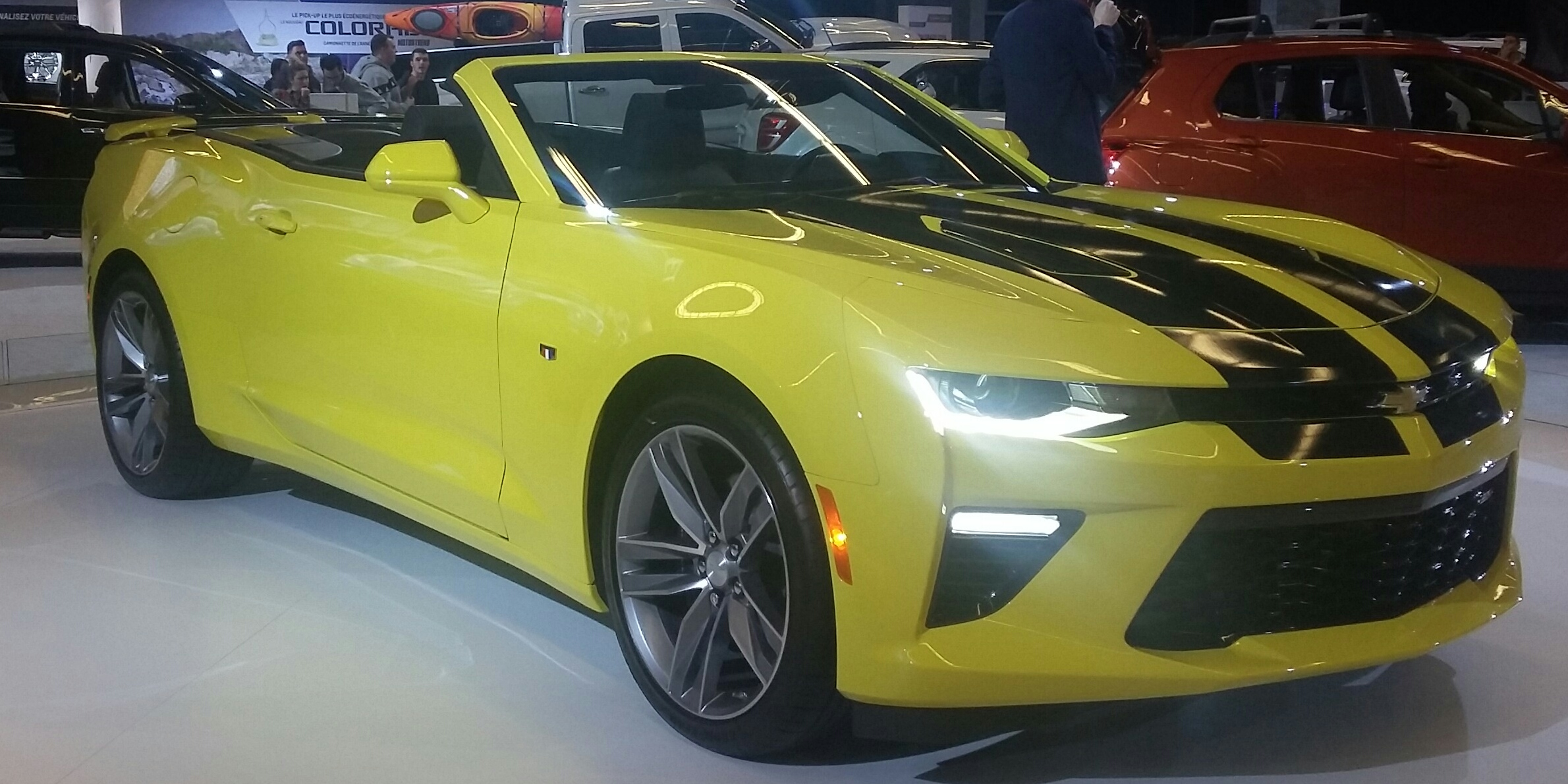
This is a 95 Chevy Camaro.
That I was called the program and I was like I don't think it needs programming, it's a 95.
We looked at service information.
It did.
It actually said PCM replacement needs programming.
I'm like, okay, well, I got a tech to, we can make this happen.
So we get out there.
We get the whole story on this thing.
They are suspecting they bought this 95 Camaro.
It's got a 5-7 in it, a six-speed manual transmission.
They bought this thing and this is not a used car lot, this is a repair shop.
The customer bought it and they're not really sure Exactly what happened to the vehicle before they bought it, but the shop is suspecting that this vehicle Originally had an automatic transmission for a couple of reasons.
Number one it's got a torque converter, clutch Code, circuit code, and it's a manual transmission.
That much is very obvious.
But also and this was a little homework on the shop, they found this out the spotometer for this thing, when you went on drove, it was way off, meaning that when you were going about 70 miles an hour it was showing you you were going about 20.
Okay, and this wasn't like a.
And they had done a little bit of research on this and found that the output speed sensor and the difference between the automatic and the manual transmission, the pulse count, was significantly different, so much so that it would drop you down from 70 to 20 miles an hour.
Right, and that's the PCM that's going to be taking that pulse count and converting it to a wheel speed.
So, anyways, they were suspecting and the customers is Suspecting that this vehicle originally came with an automatic transmission but it has a manual in there now and they wanted us to see if we could program it.
I was like I don't know.
I didn't even know if I could program it at first, because it's a 95.
Again, we found this Within the tech 2 and tis 2000 that I was able to program it.
But now I'm like, okay, well, how do I Find out?
How do I get this to a manual transmission?
Can I get this to a manual transmission?
What were the vehicle options for this year?
Well, first thing that we did was we punched in the v in For the vehicle we were working on and we did verify it came from the factory with an automatic transmission.
Okay, again, so we know a lot about that vehicle.
Now.
Now Could you take the v in and call the dealer?
Sure, I'm sure you could figure that out, but this is available to you at your fingertips.
Okay, so we know that what they were suspecting is most likely true.
Okay, well, how do we, or can we, get it over to a, a manual transmission?
Is that an option?
So we do a little Google searching and there was an option of the same year Camaro with a 5 7 with a six-speed manual transmission.
Okay, so here's my thought.
I'm gonna find one of these things for sale On Google, and you, I think I found it down in Florida there's a convertible manual transmission Camaro with 5 7.
I take the v in from the for sale add and I'm going to put it into this website that I'm using and just verify that, yes, this one did come with a Manual transmission and has the same engine.
Right.
Then there's a power train control module controls both the transmission and the engine, and so now I'm going to search the power train control modules Part number on both applications.
Why am I doing this?
Because before I even attempt programming between the two, I want to see is the part number the same from the factory?
When it turns out, it was meaning that they showed the same hardware in both the automatic and the manual and they just put a different Calibration in.
All right, okay, so we're getting somewhere.
So now I'm going to use TIS 2000 and it allows you to put in whatever v in you want.
It's gonna read it from the vehicle, it's gonna allow you put in whatever v in you want and it will pull calibration according to that v in, right?
So what I'm gonna do is I'm gonna connect it up, I'm gonna put in the v in of the manual transmission Camaro in Florida and allow it to pull that calibration, and then I forced that calibration into the PCM.
It's like all right, let's give this a try.
Right, the torque converter clutch circuit code went away, which was a positive.
We went out and drove it after the fact to see okay, it's just gonna fix the problem.
Now it did make it significantly better it we were still about 10 miles Off.
We were still about 10 miles per hour off from the actual speed and the speed that was read on the speedometer and we weren't exactly sure why.
This is right.
We're adding a lot of variables to this thing at this point.
But the other thing that I wanted to consider here was the axle ratio between the two vehicles, and I didn't think about that at first before I plugged in the programming.
But as we're driving it and we're a lot closer we're not perfect, but we're a lot closer I'm like what are the chances the automatic and the manual transmission have a different axle ratio?
So again, I'm gonna use the same website to find that out.
I have both vid numbers the original vid number from the vehicle, the one from Florida.
I punched those in and, as it turns out and Google helped out to verify this as well the automatic transmission from this year.
While they did have a couple options, this particular vehicle came with 273 gear ratio for the rear end, while the manual transmission option came with a 342 rear end factory right.
So this vehicle has the 273, but we have a manual transmission in there, which I think is part of why it was so hard to get out of the first gear myself.
But the fact of the matter is the speedometer is not going to read correctly because the axle ratio is off.
So we were looking into some options and the thing was I couldn't do the same VIN trick with TIS2000, because there was no option for a 273 manual transmission.
Right, because we need a 5.7
manual transmission and a 273.
That wasn't a factory option, so I can't do this with factory GM software.
I did look to see there is some stuff out there tuner cat and some other tuning software that I don't have.
So I talked to the shop.
At this point I'm like here's where we're at.
We're a lot closer.
We got the right calibration in there for the transmission that's in there.
The PCM reads the wrong VIN now, but we're not in a mission state and I don't know if a 95 would even qualify for that anyways, but we're a lot closer and you can give the customer the option of seeking out a tuner that's able to change the axle ratio specifically with some tuning software, or you can actually gear correctly and this is actually for 95 in pretty nice shape, and so they said they might actually spend the money to regear
the rear end on this thing.
I don't know what they're going to do, but we were able to verify again very quickly using the website what this vehicle was originally equipped with, what a vehicle online for sale was for sure, equipped with not only transmission but axle ratio and PCM part number for both.
And again, this is all free.
So really cool tool.
I really like this thing.
Rls If you don't know that is, shoot me a link I'll let you know, but I thought I'd share that with everybody.
That's all I got for you tonight.
Thank you very much for joining me.
I really appreciate all the feedback and all the people that I've met and got to talk to through the podcast.
It's awesome.
So let's get out there, start fixing the world, one card at a time.
About this episode
Discover a powerful free resource known as RLS that revolutionizes vehicle diagnostics by providing detailed factory information via VIN lookup. This tool reveals engine specs, transmission types, axle ratios, RPO codes, and factory part numbers, streamlining tasks like programming, part verification, and troubleshooting. Real-world examples include resolving a radio control issue on a 2011 Buick LaCrosse and reprogramming a 1995 Chevy Camaro with a swapped transmission. The host emphasizes how RLS saves time, reduces guesswork, and enhances diagnostic accuracy, making it an invaluable asset for automotive technicians.